3D Graphics Editing Software Entry Point
3D editors are programs capable of complex editing operations on 3D models. The editors usually offer imports of various 3D model types and also their import or rendering options to create, sometimes realistic, 2D renders of the 3D scene.
Meshroom

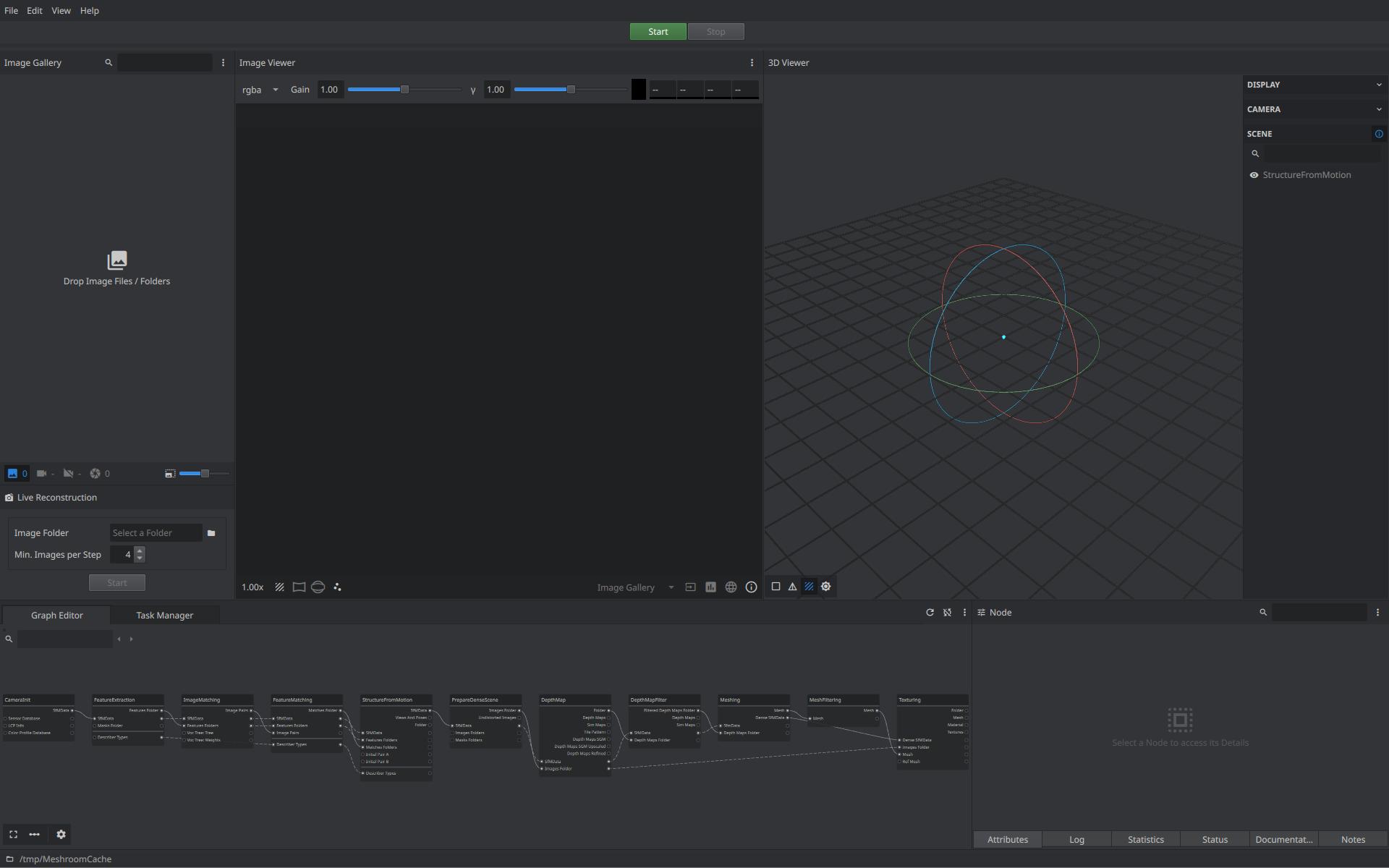
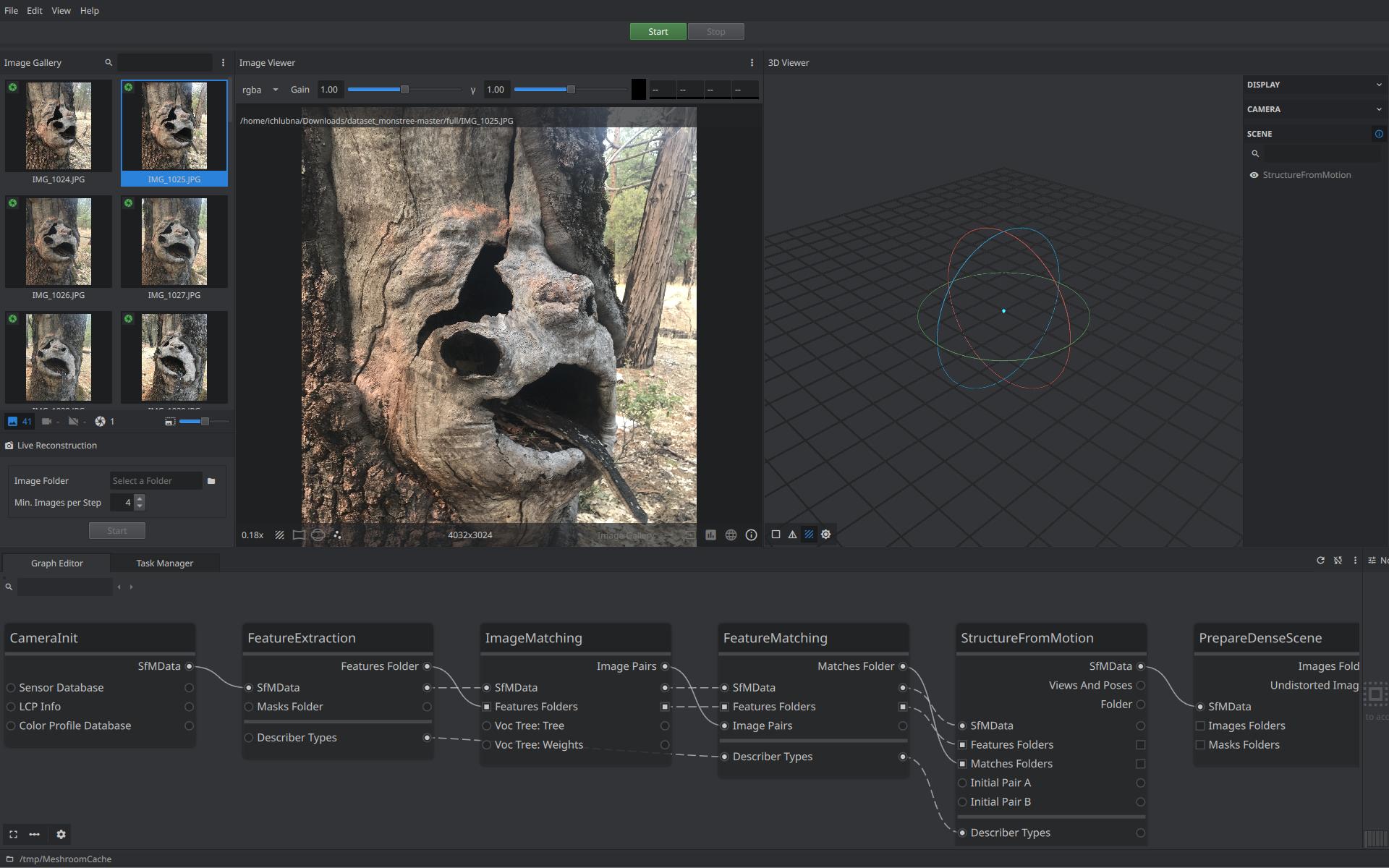
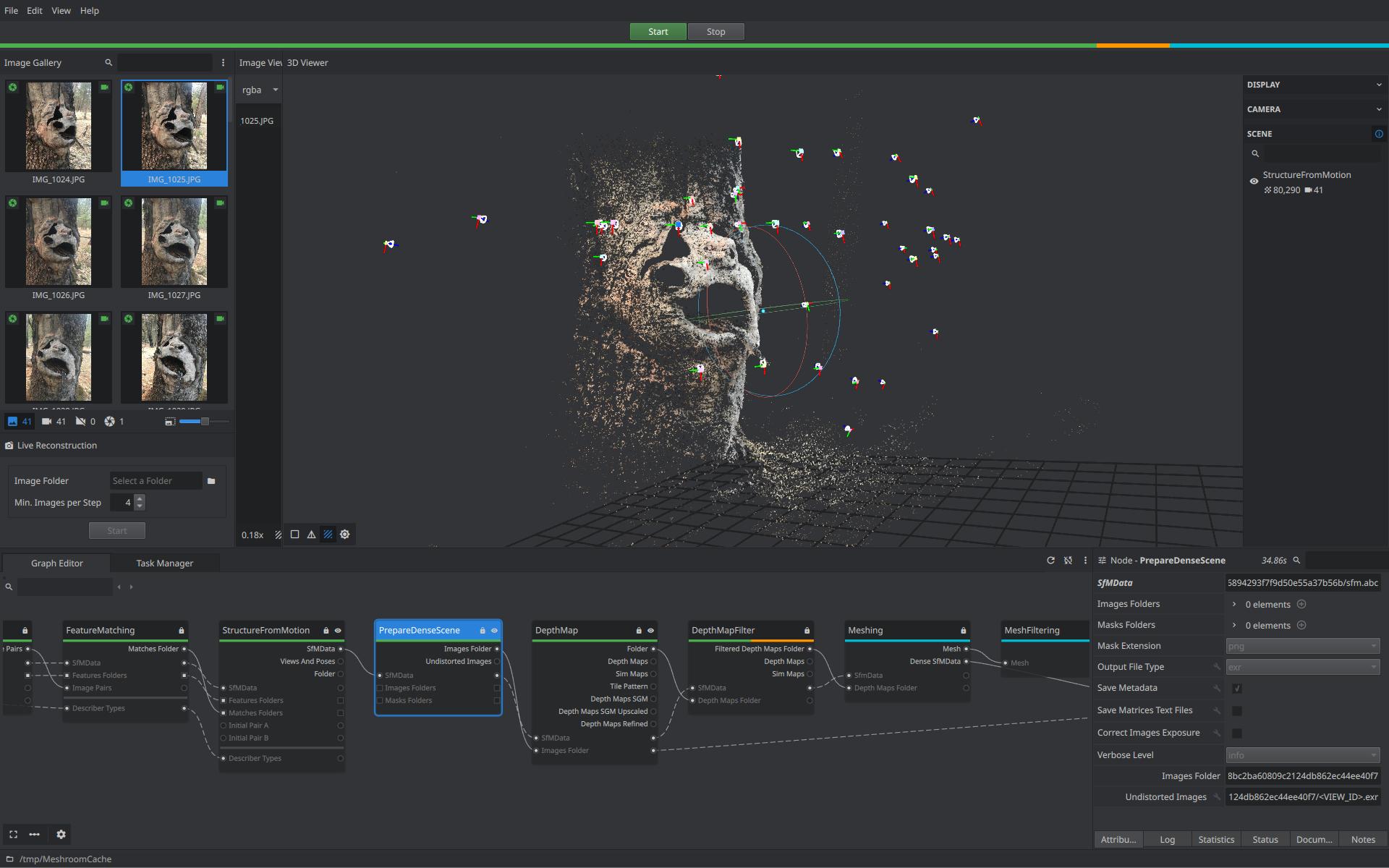
This program serves for photogrammetry and 3D reconstruction purposes. Based on an input set of images capturing the scene from different points of view, a sparse or dense point cloud can be reconstructed, followed by conversion to a fully textured 3D mesh. Its highly extensible and adjustable pipeline and also command-line tools make Meshroom easy to integrate into various workflows. GPU acceleration as well as different feature extractors and matching options are available.
Examples
Comparison
Alternative products such as 3DF Zephyr or Agisoft Metashape are more precise for mesh reconstruction. However, the customizable pipeline allows the user to fine‑tune the reconstruction process for performance or quality purposes. The pipeline is also easily editable using graphical node‑based programming, whereas other software usually offers only limited options defined in various presets.
MeshLab

MeshLab offers various advanced tools for 3D mesh editing, analysis, and processing. Simplification of meshes, alignment, refinement, removal or highlighting of specific mesh elements, subdivision, boolean operators, curvature analysis, or point cloud processing are available. This software is often used in academic and scientific use cases.
Examples
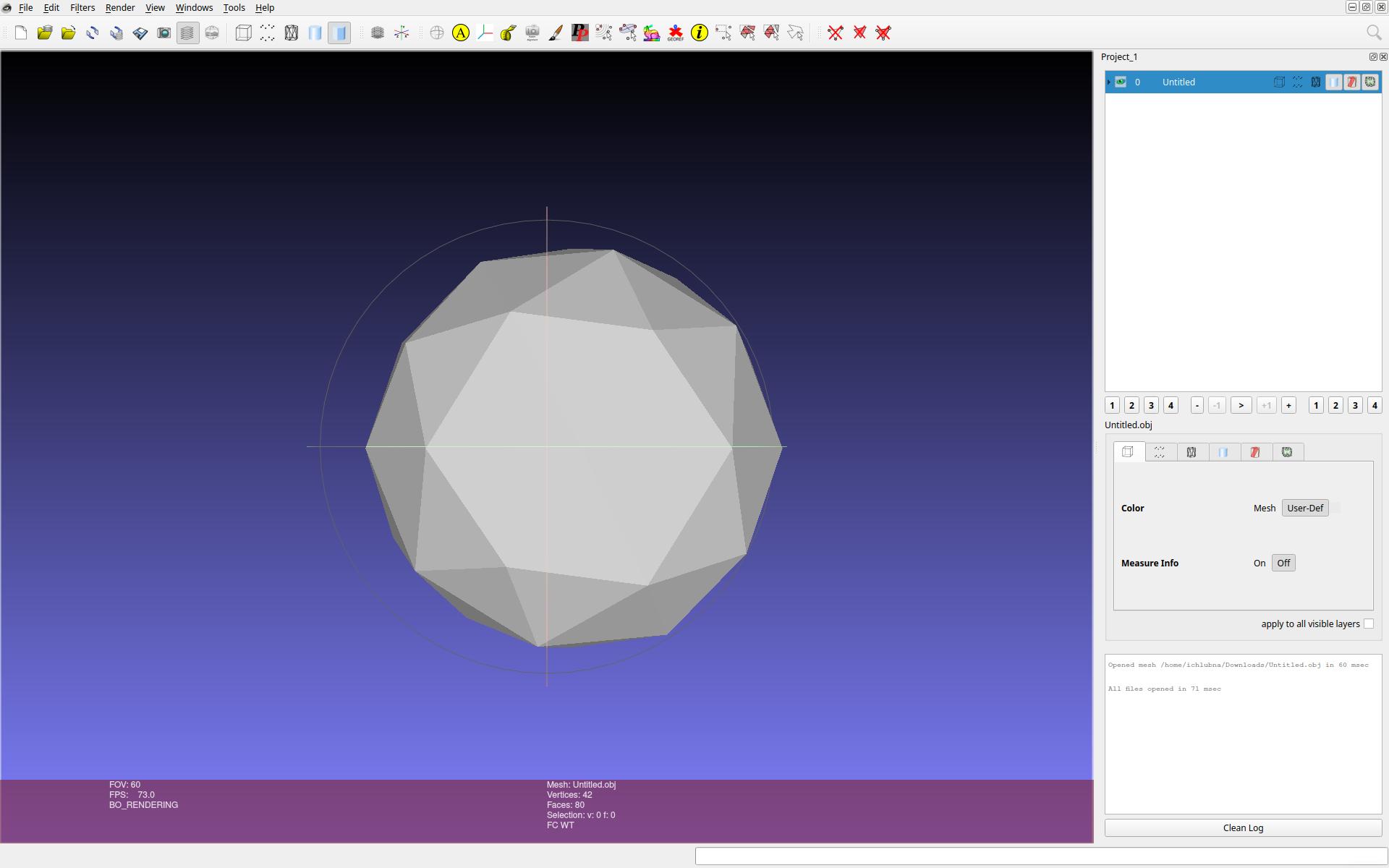
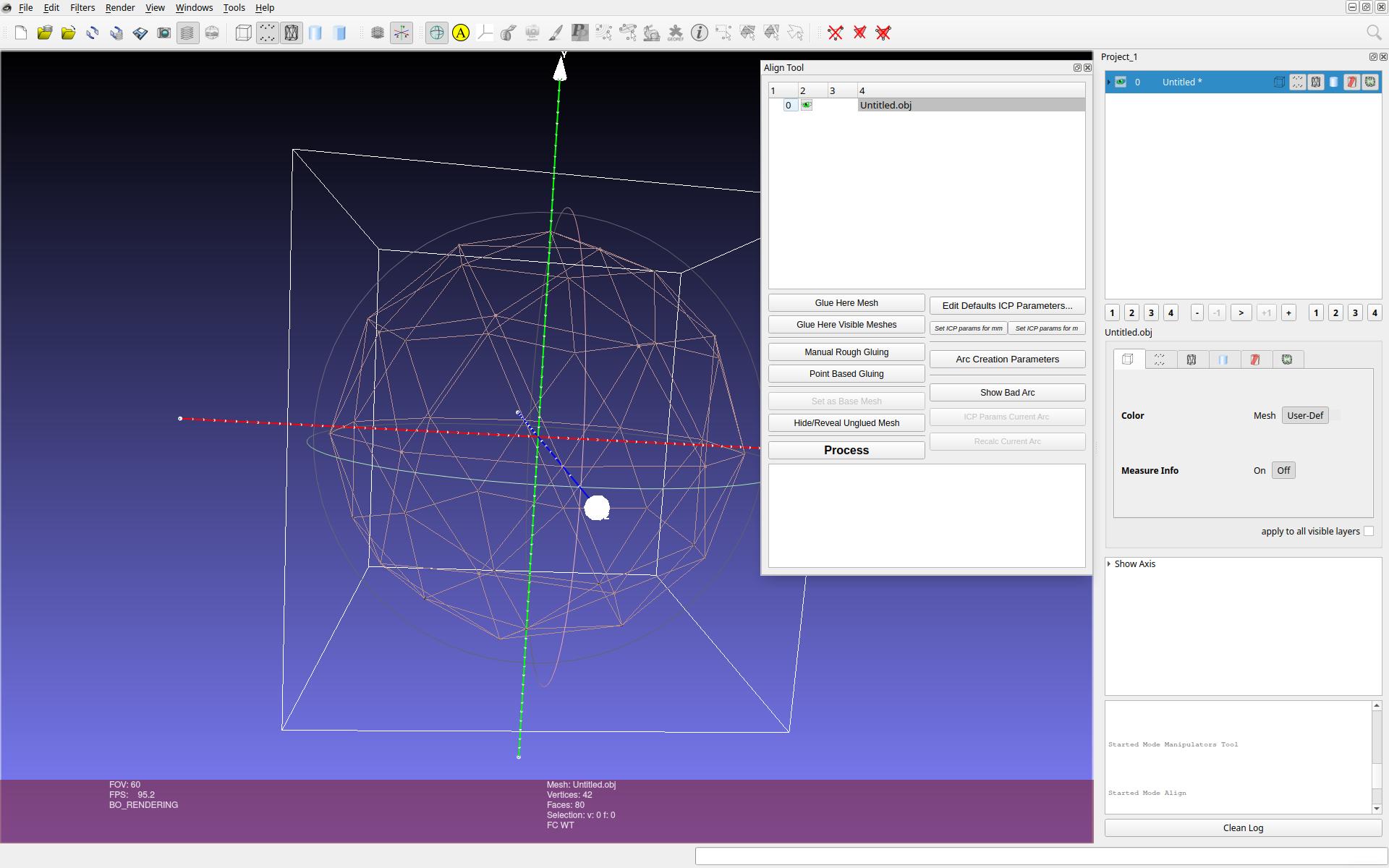
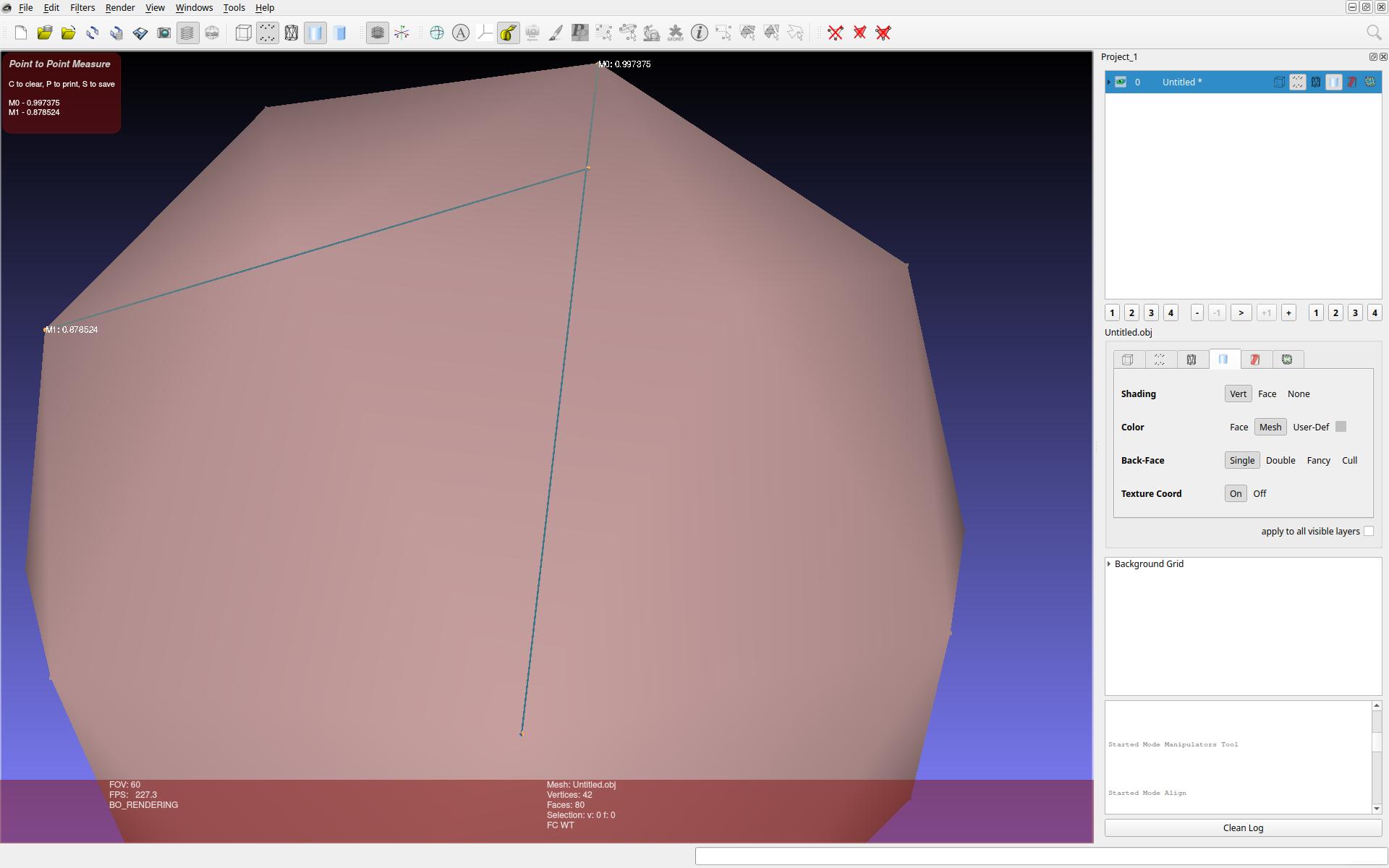
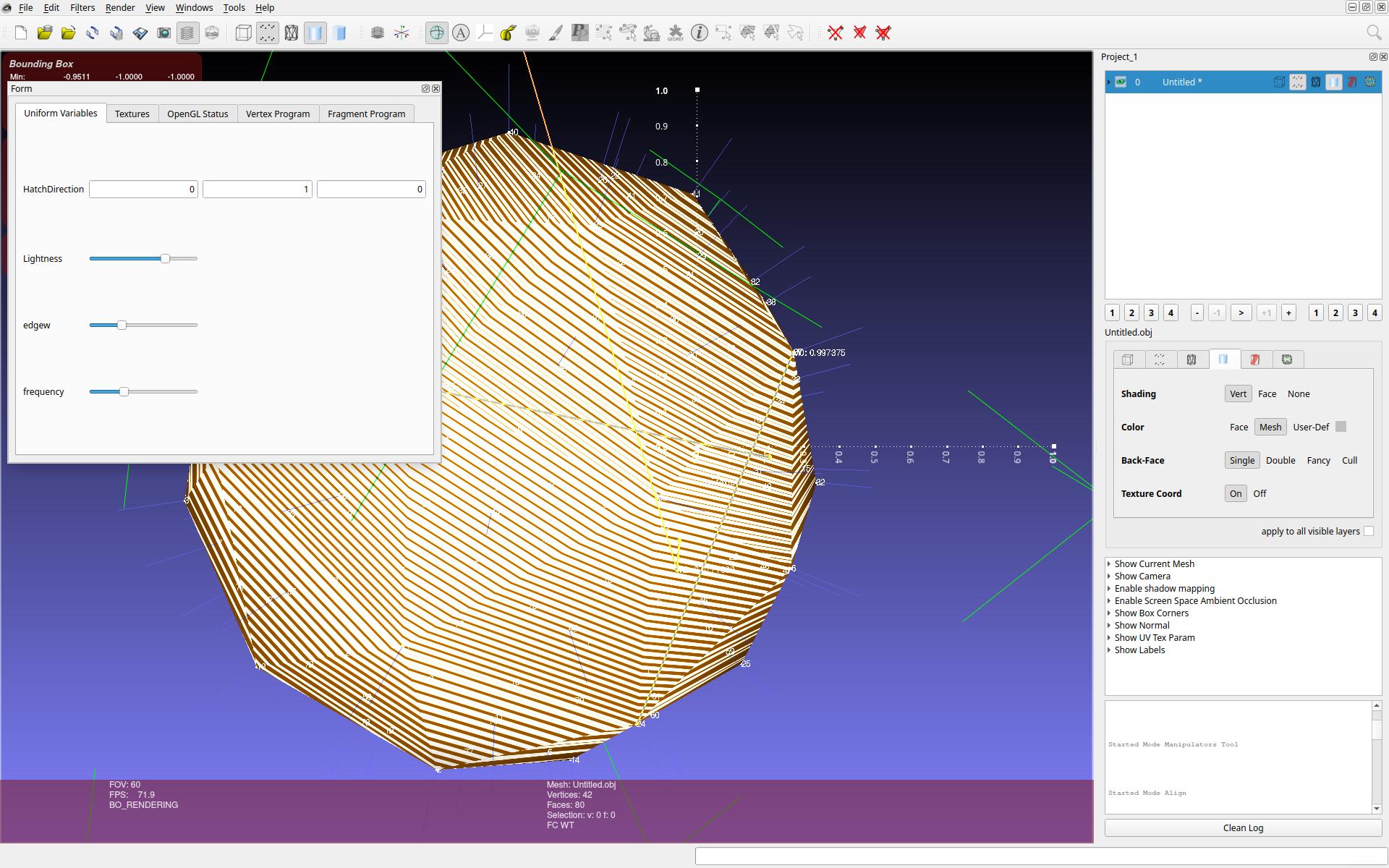
Comparison
MeshLab is not a standard 3D modeling software. The main purpose of MeshLab is the analysis or processing of existing meshes, not the interactive artistic modeling process. Existing tools often do not provide advanced tools for alignment or highlighting of geometrical patterns.
Online 3D Viewer

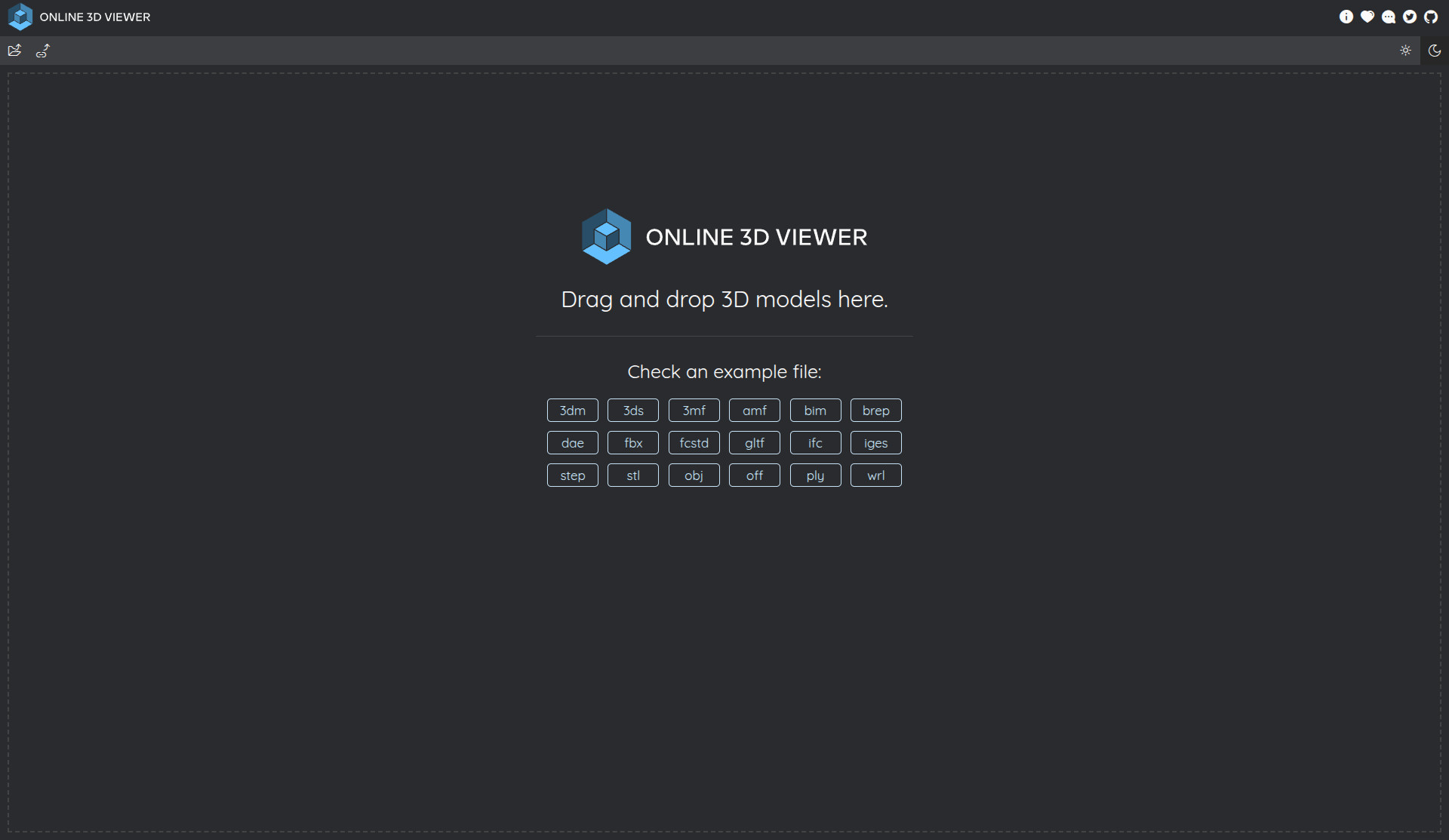
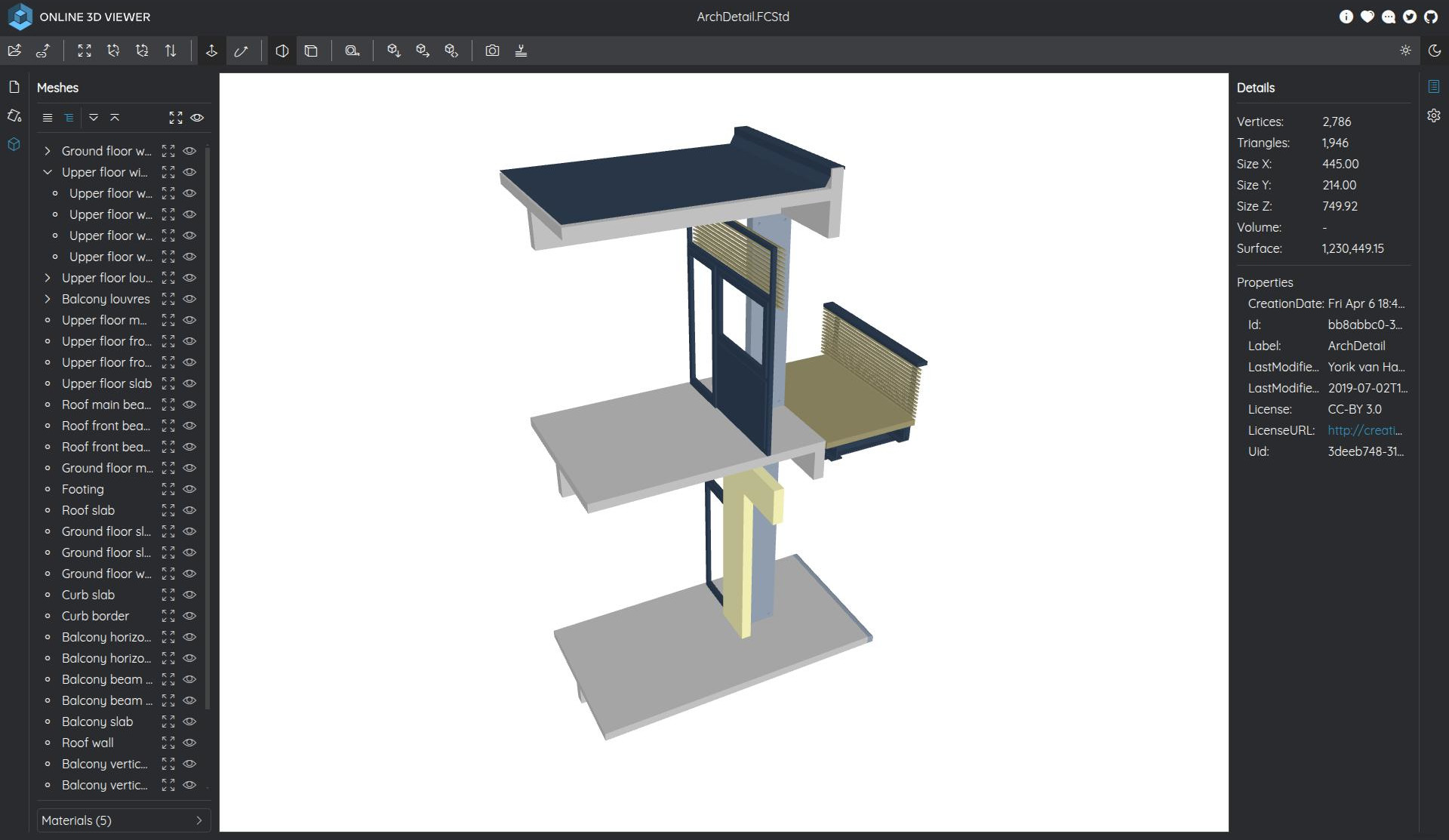
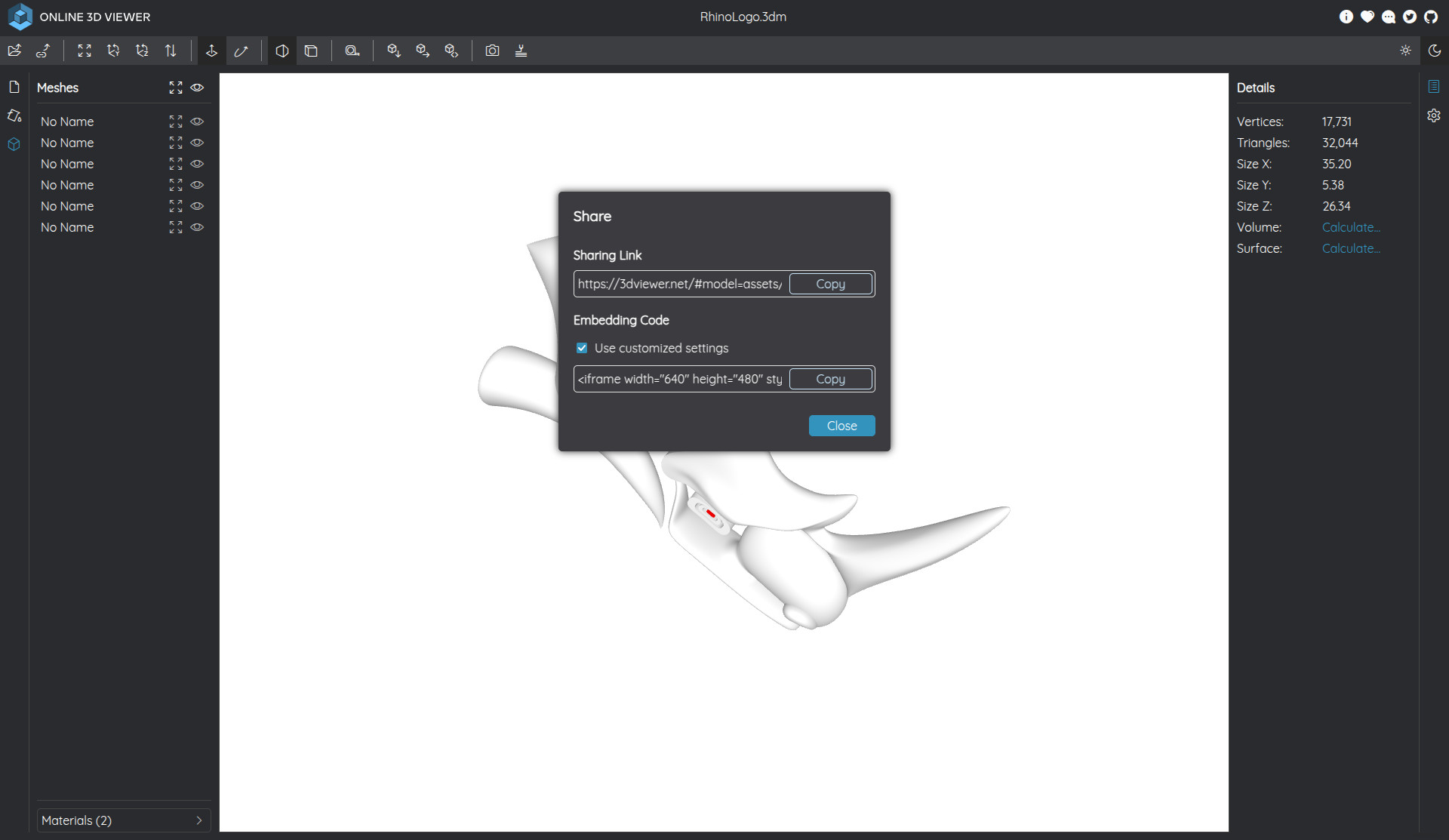
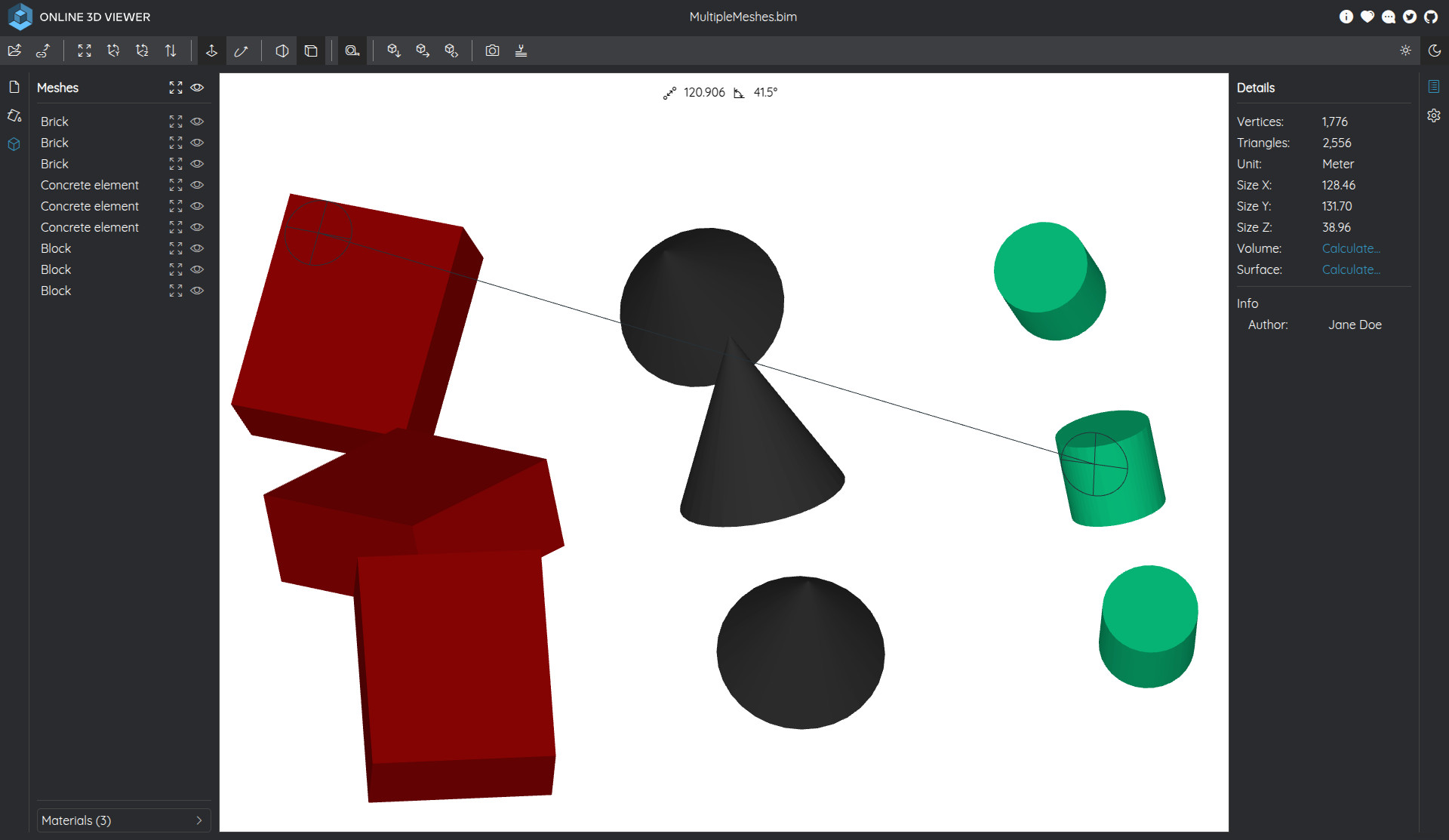
This simple web-based tool is a convenient way to quickly display 3D models and apply basic transforms, measurements, and rendering operations.
Examples
Comparison
This viewer does not offer any editing tools but can be used to quickly inspect 3D model files in a web browser. It might be more convenient when working remotely without the need to install any heavyweight software.
Blender

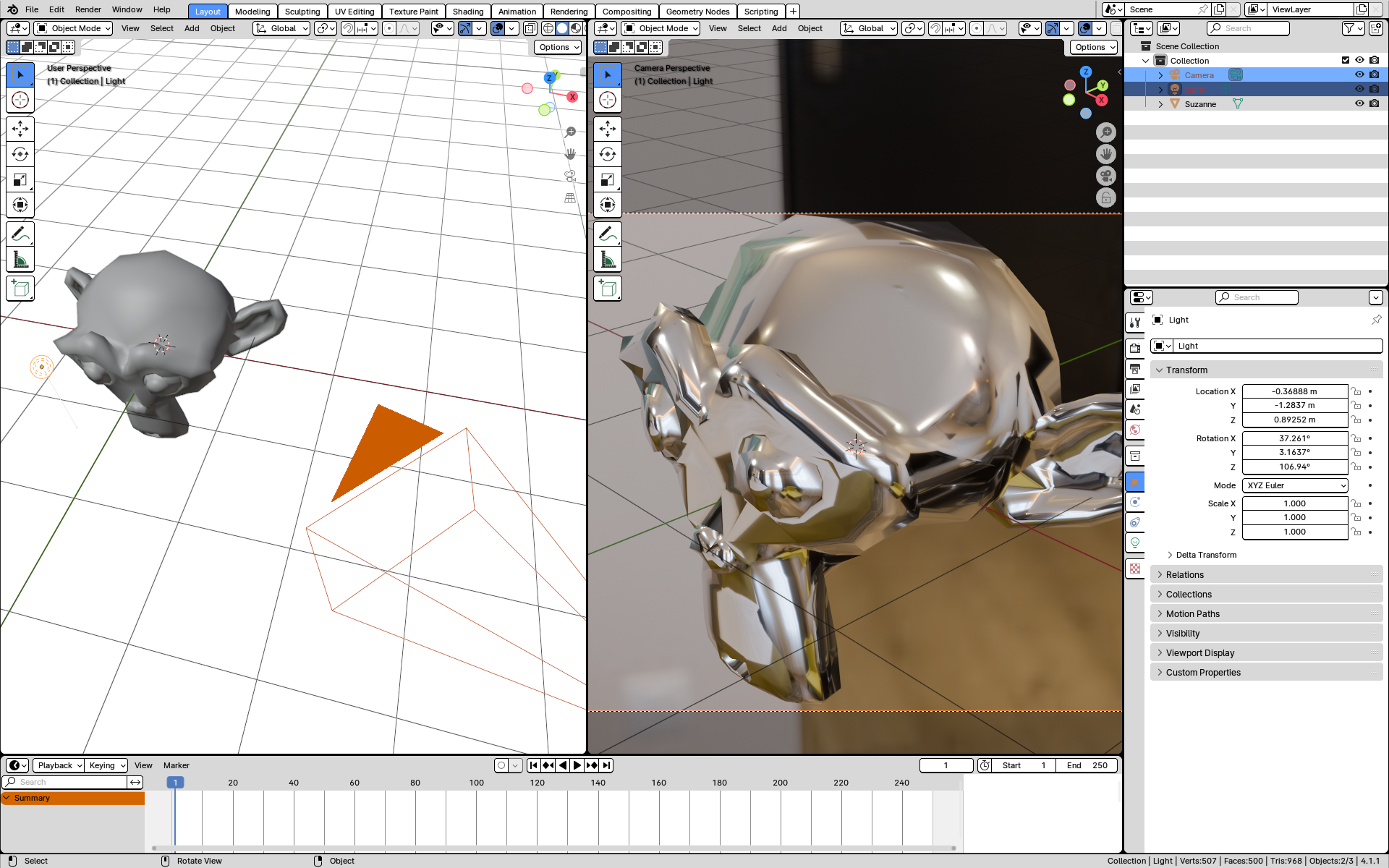
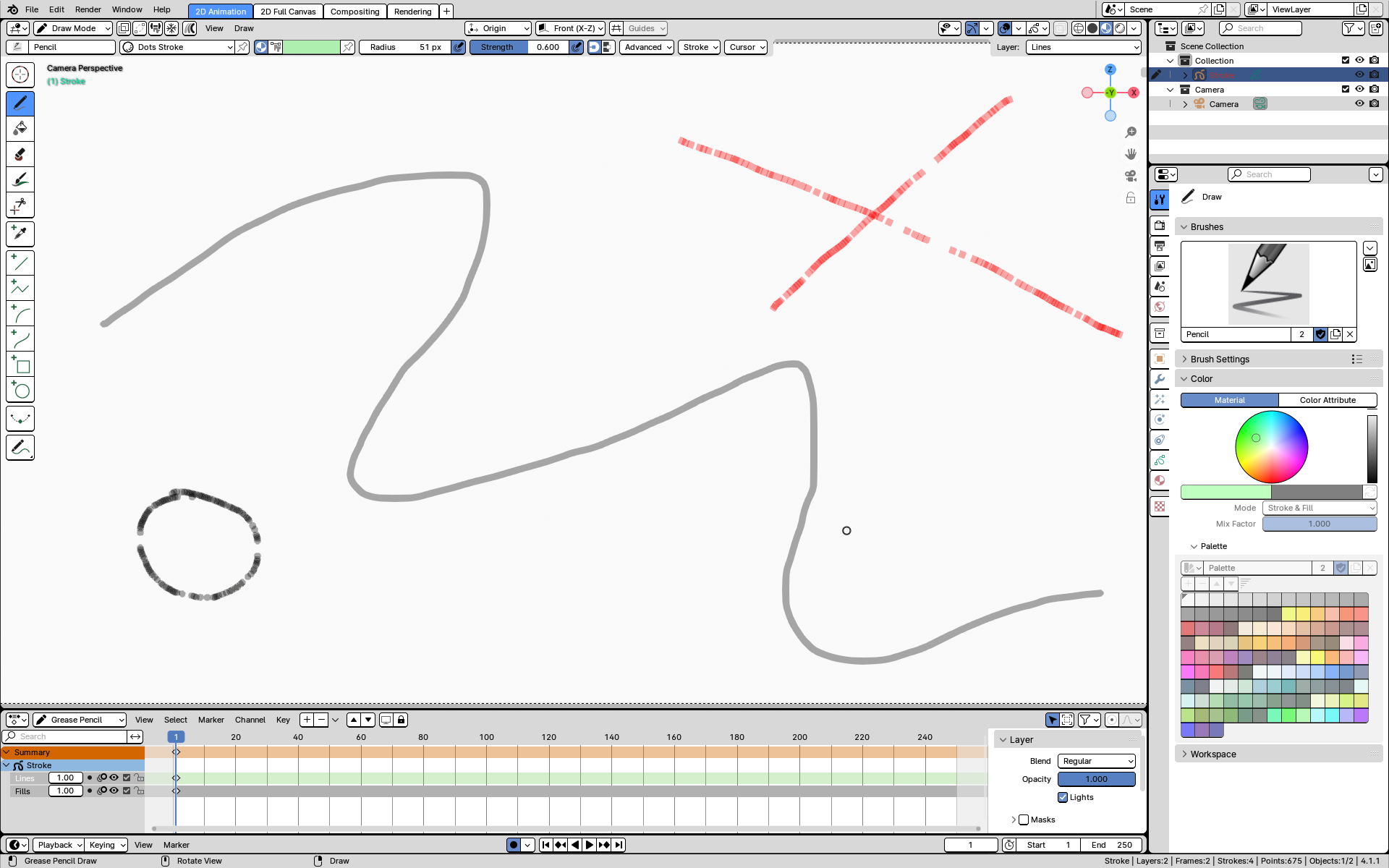
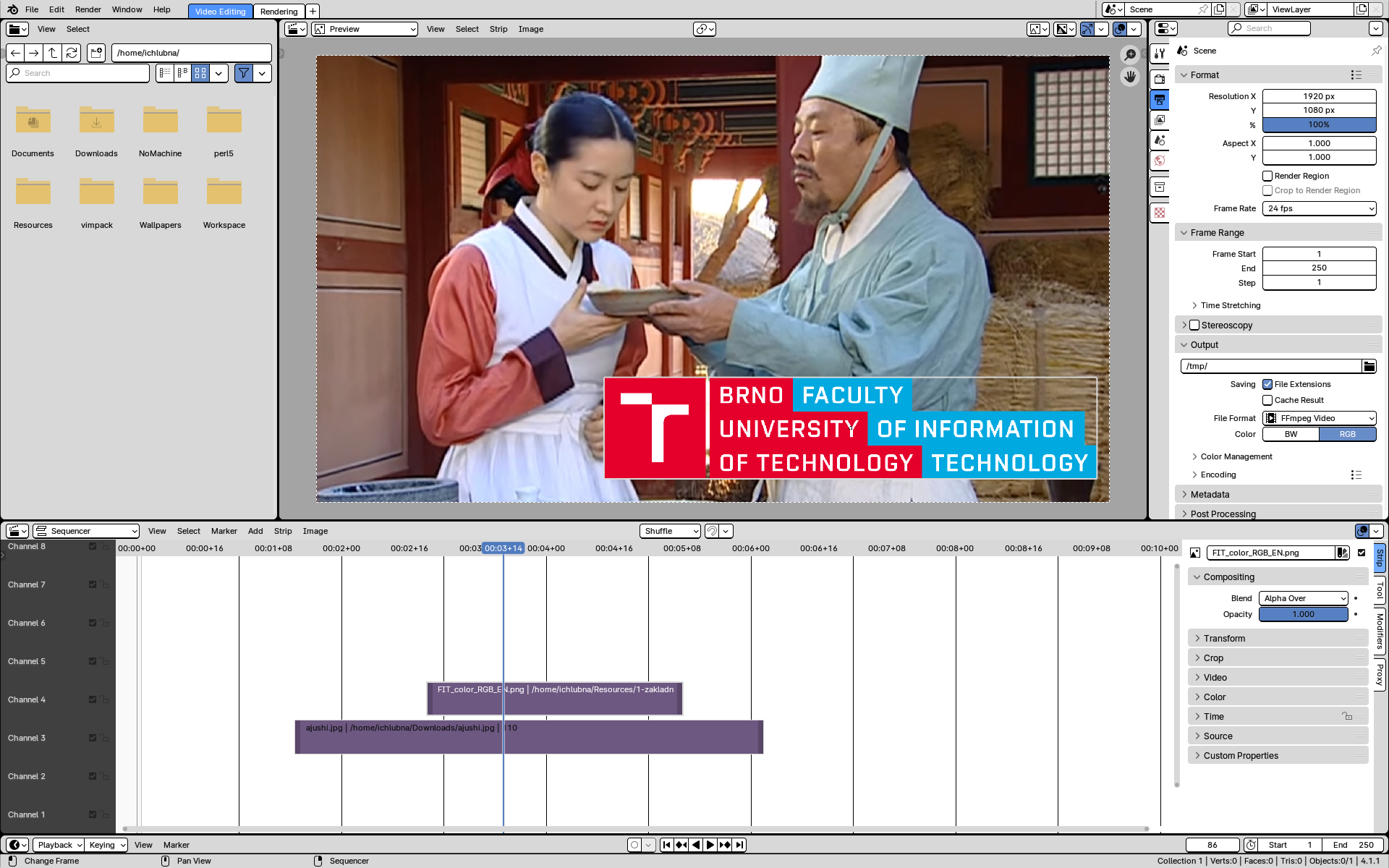
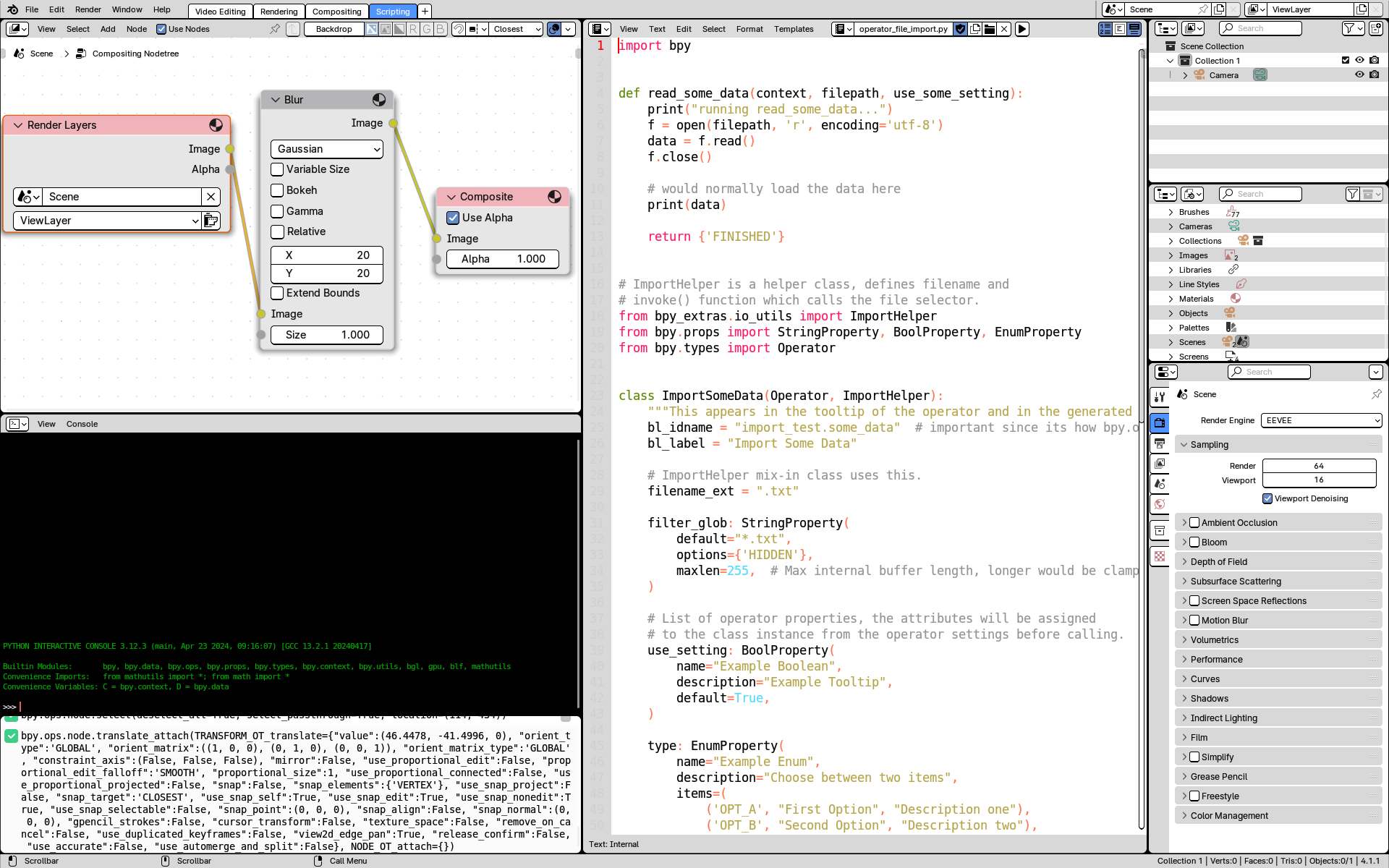
Blender is mainly a 3D editor but offers a lot of other options, such as 2D editing and animation, drawing, video editing, compositing, realistic rendering, etc. Its open-source nature makes it a popular choice for amateurs and professionals. The large community support with forums and tutorials makes learning with this tool easy. A lot of community add-ons and the option to use the built-in Python scripting environment make the software highly flexible and suitable for many various tasks in the field of computer graphics, game development, science, education, filmmaking, etc.
Examples
Comparison
The main advantage of Blender compared to the alternatives is its rich variety of free features. Proprietary 3D editors are usually quite expensive. Software like 3Ds Max, Maya, or Cinema 4D offer professional tools, but they can be replaced with Blender easily. The internal Blender path-tracing renderer Cycles is highly optimized and can be used with GPU as well. It can simulate most realistic effects. Alternative paid renderers might offer more advanced features, but they can also be imported to Blender to replace Cycles and keep the workflow. Sony Vegas, Adobe Premiere Pro, or Adobe After Effects are tools specifically designed for 2D video editing and VFX production. They might surpass Blender in this field, but the video editor and compositor in Blender offer many advanced tools that can compete with the mentioned software. Their usage may not be as straightforward as with specialized software. Similarly, Photoshop, Krita, or GIMP definitely offer better workflow for 2D drawing, but Blender is gaining many feature updates in this direction, as 2D animation is being actively developed there. Game engines such as Unity or Unreal are often used for 3D scene composition. However, these engines lack the powerful designing and editing options of Blender. In terms of game development, Blender contained a game engine that was deprecated in newer versions.